 Nutriomeals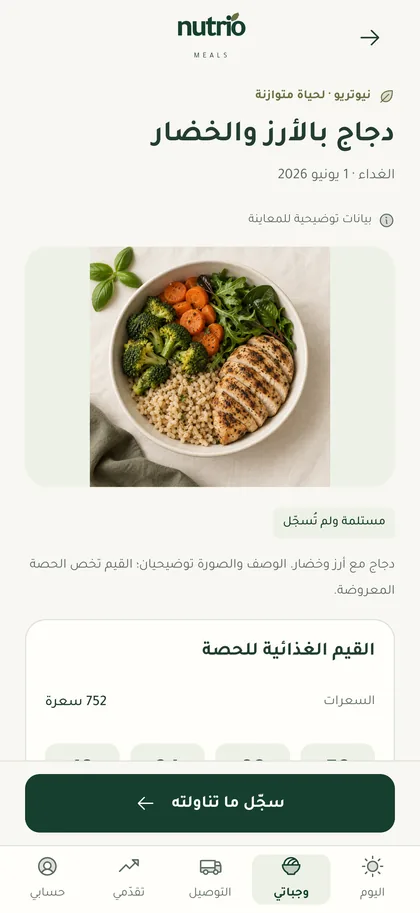
Know your meals
Every meal.Clearer details.
See each meal's ingredients, calories and nutrients before it arrives, and log what you ate.
A meal subscription delivered every day, with everything you need to know: what you're eating, when it arrives, and how you're doing.
For iPhone and iPad. The app is in Arabic.
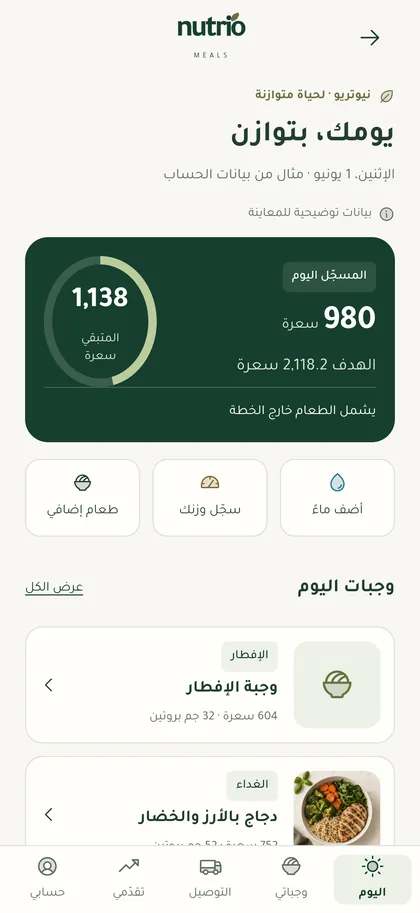
Everything about your subscription in one place, from the first meal of the morning to the last day of your plan.
See each meal's ingredients, calories and nutrients before it arrives, and log what you ate.
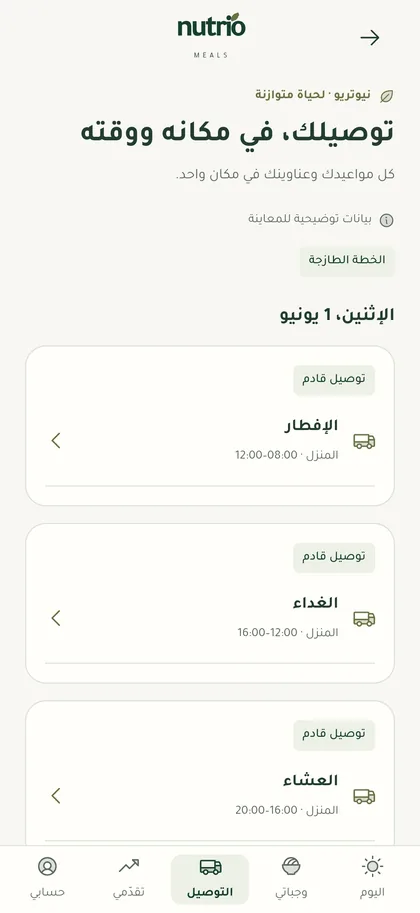
Follow upcoming meals with the address and time of every delivery, and adjust before delivery day.
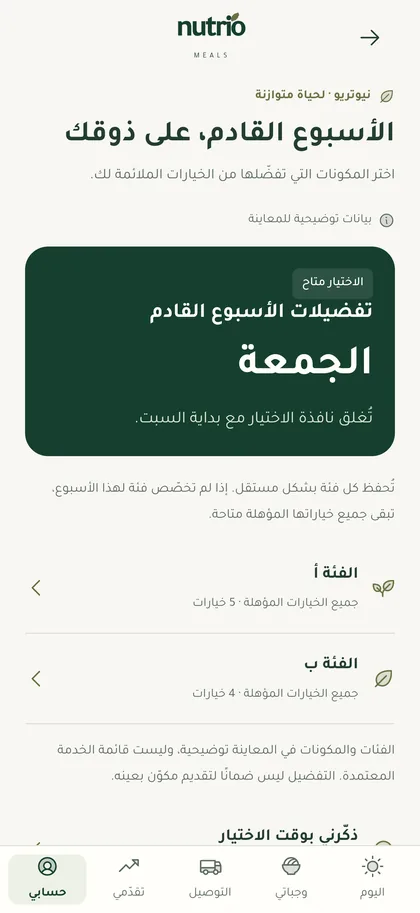
Pick the ingredients you prefer from the options available to you, and add your allergies so they're taken into account.
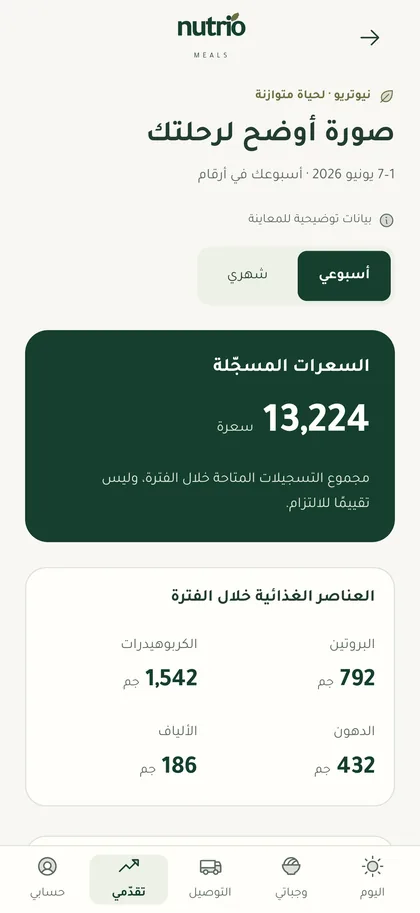
Weekly and monthly reports help you read your food logs and measurements.
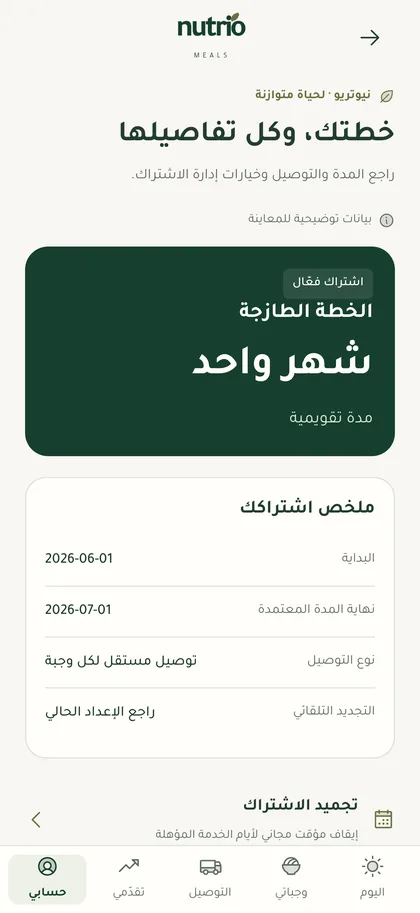
Review your plan and its dates, freeze it while you travel, renew or cancel from the app.
From sign-up to your first meal, everything happens in the app.
Sign in with your mobile number, pick a plan and duration, and pay securely in the app.
Add your delivery address and allergies, and choose next week's ingredients.
Meals arrive on schedule, and you follow your whole day from the Today tab.
Didn't find your answer? Contact support
We deliver within Saudi Arabia in the areas we serve. When you add your address in the app, it tells you whether it's within delivery coverage.
With your mobile number only. We send a one-time verification code; there's no password.
Payments happen in the app through the Moyasar payment gateway using mada or credit cards. We don't store your card details.
Yes. Request a freeze or cancellation from the subscription page in the app, under the terms shown to you before you confirm.
You can set your allergies and preferred ingredients, but meals aren't designed to treat medical conditions and don't replace advice from a doctor or dietitian.
In the Account tab, choose Delete account. Any active subscription must be cancelled first. Details
The app is launching on the App Store. For any question, write to support@nutriomeals.app